Appearance
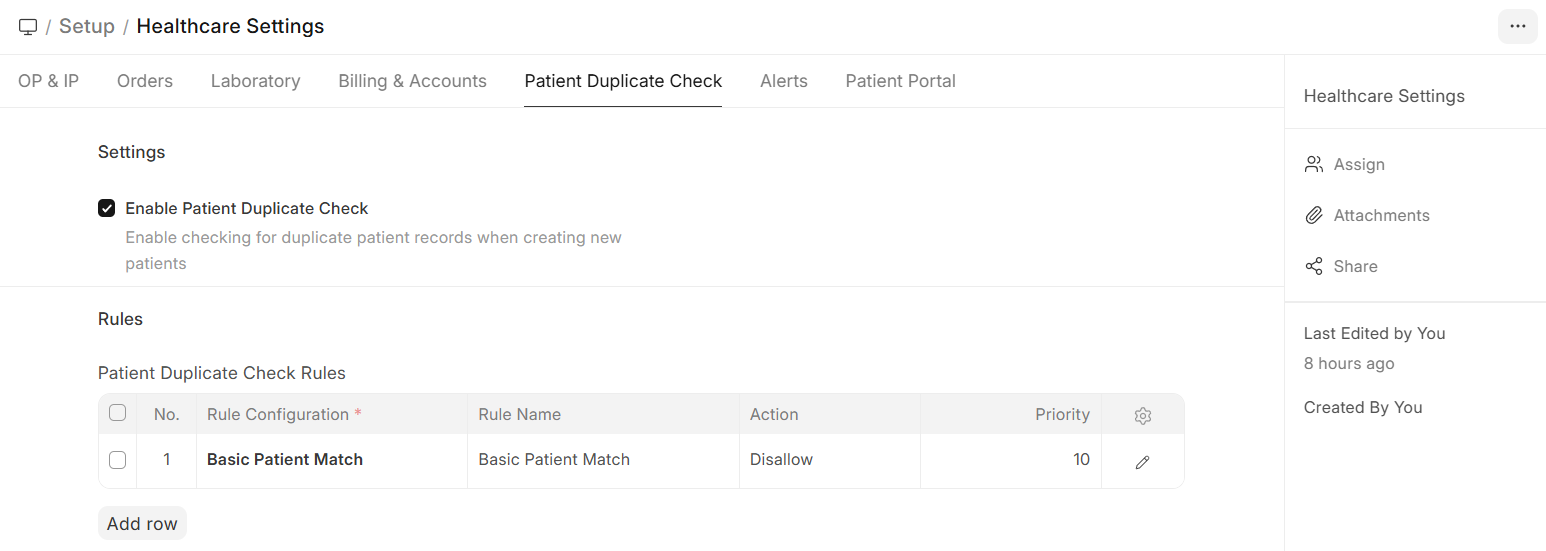
Duplicate Patient Checking
Biograph includes a built-in duplicate detection system to prevent creating multiple records for the same patient.
Navigate to:
Home>Healthcare > Setup > Healthcare Settings>Patient Duplicate Check
How It Works
- When a new patient is being created, the system checks for potential duplicates
- Matching is based on configurable rules (name similarity, date of birth, phone number, etc.)
- If potential duplicates are found, the user is warned before saving
- The user can choose to proceed (if it's a different person) or open the existing record
Configuration
Navigate to Patient Duplicate Check Rule Configuration to set up matching rules:
| Setting | Description |
|---|---|
| Check Fields | Which fields to compare (Name, DOB, Phone, Email, etc.) |
| Field Links | Which patient fields to use for comparison |
| Match Threshold | How similar records must be to trigger a warning |