

Appearance
Payment Processing
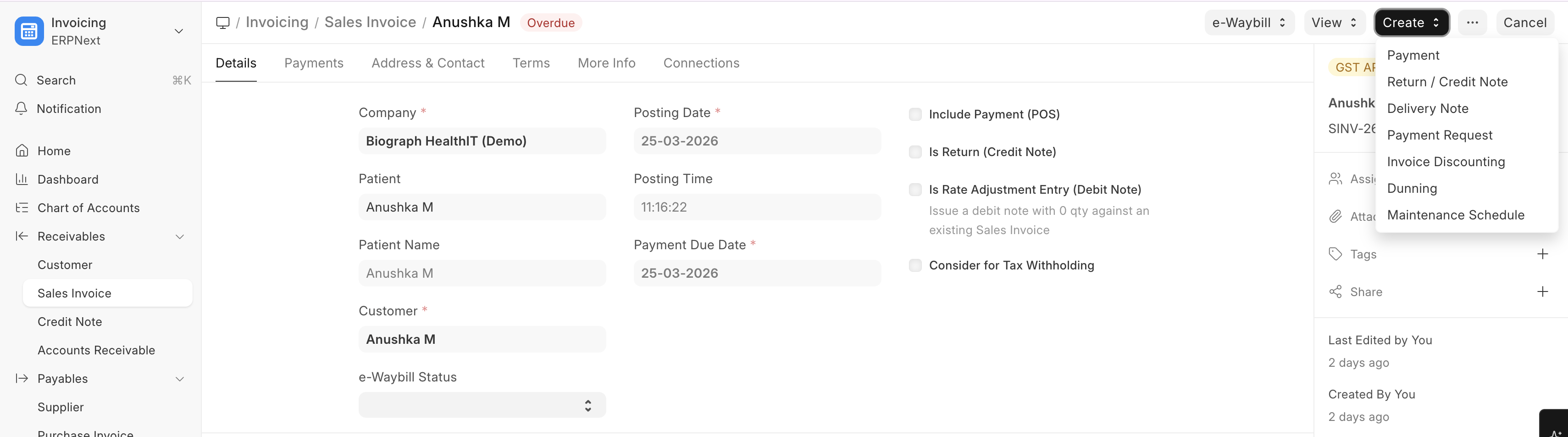
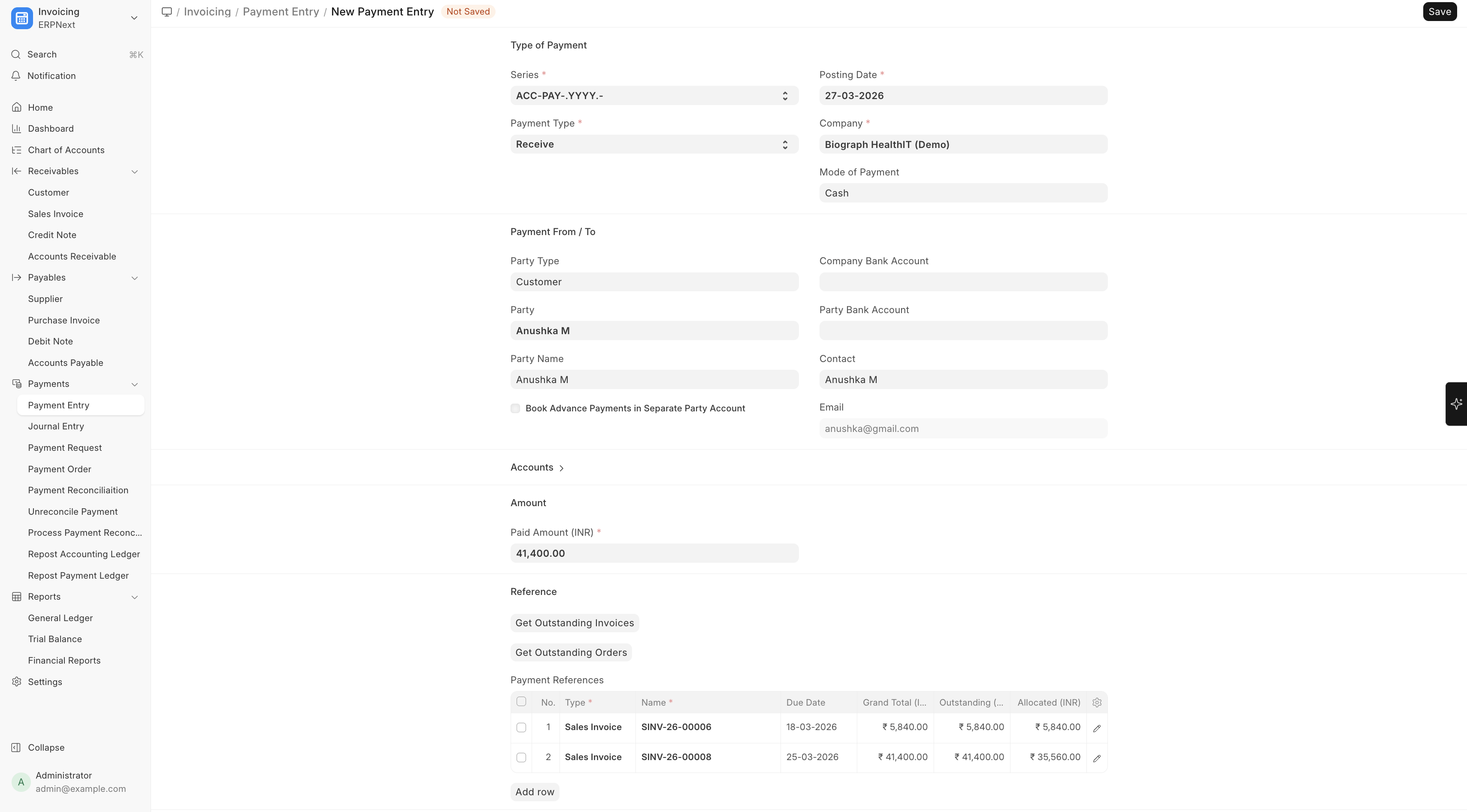
Payments are processed through ERPNext's Payment Entry.
To record a Payment:
Home → Accounting → Payment Entry → New
(or Sales Invoice → Open Invoice → Create → Payment)
Recording a Payment
- From a submitted Sales Invoice, click Create > Payment Entry
- Or create a Payment Entry directly from the Payment Entry list
- Configure:
| Field | Description |
|---|---|
| Patient/Customer | Who is paying |
| Amount | Payment amount |
| Mode of Payment | Cash, Card, UPI, Bank Transfer, etc. |
| Reference Number | Transaction reference |
| Invoice Reference | Which invoice(s) this payment covers |
Healthcare Payment Records
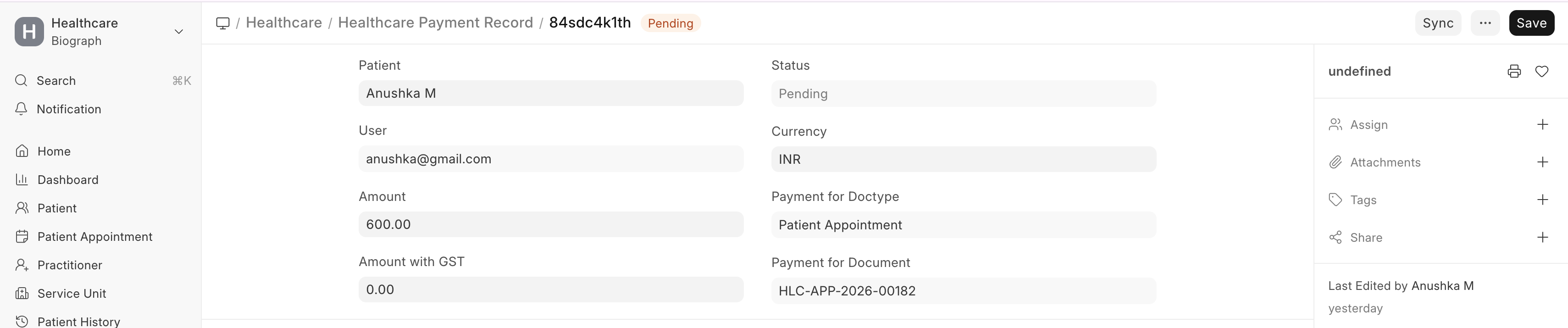
Healthcare Payment Records provide a healthcare-focused view of financial transactions, tracking payments across:
- Patient billing
- Insurance settlements
- Package subscriptions
- Advance payments
Payment Integration with Insurance
When insurance is involved:
- The patient pays their co-pay portion
- The insurance claim is processed for the covered amount
- The insurance payor settles their portion separately
- Both payments are linked to the original invoice