Appearance
Lab Test Templates
Lab Test Templates define the configuration for each type of laboratory test your facility offers. Templates must be set up before lab tests can be ordered.
Navigation:
Home>Healthcare>Laboratory Setup>Lab Test Template
Creating a Lab Test Template
- Go to Lab Test Template list
- Click + Add Lab Test Template
- Configure the template:
| Field | Description |
|---|---|
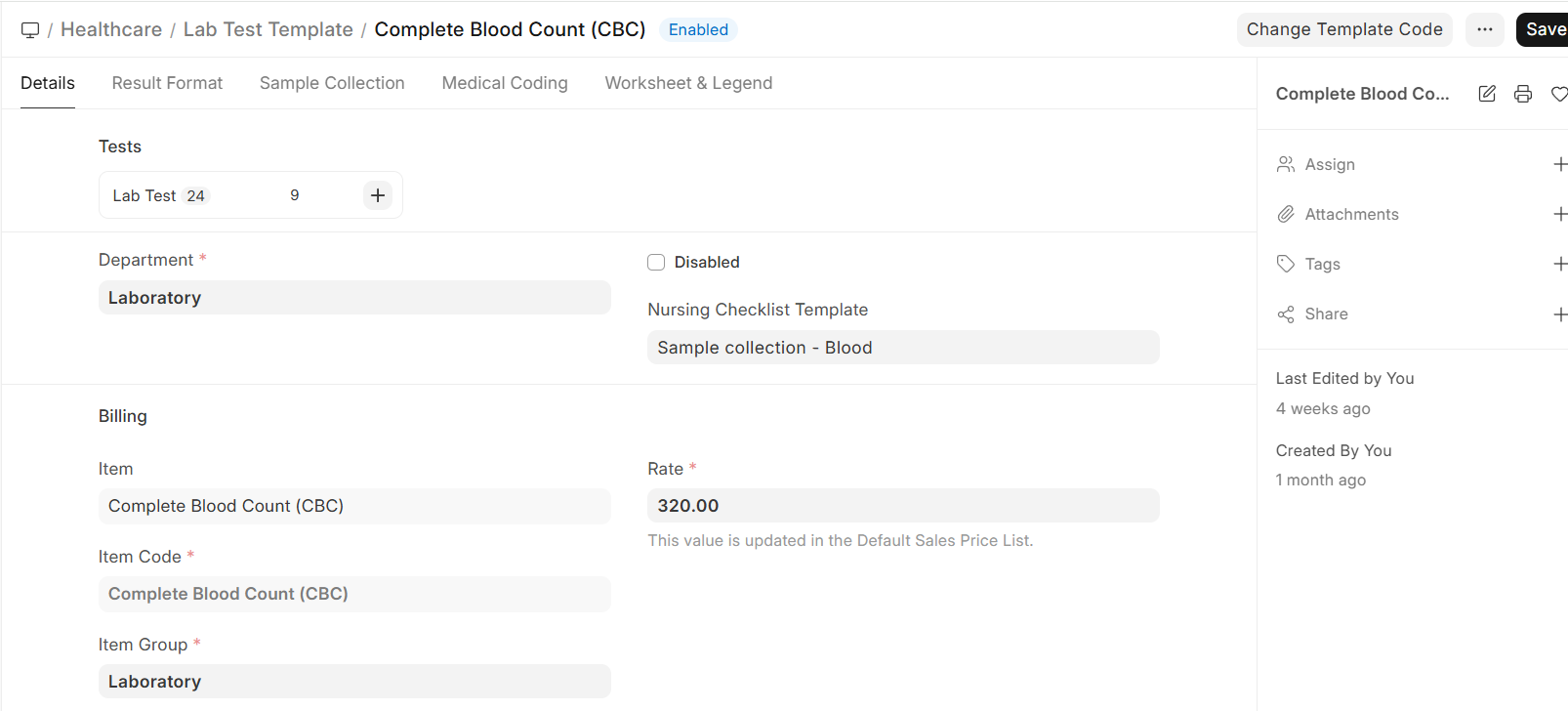
| Test Name | Name of the test (e.g., Complete Blood Count, Blood Glucose, Lipid Profile) |
| Department | Medical department responsible |
| Item | ERPNext Item for billing |
| Rate | Standard charge for this test |
| Lab Test Group | Group category (Hematology, Biochemistry, Microbiology, etc.) |
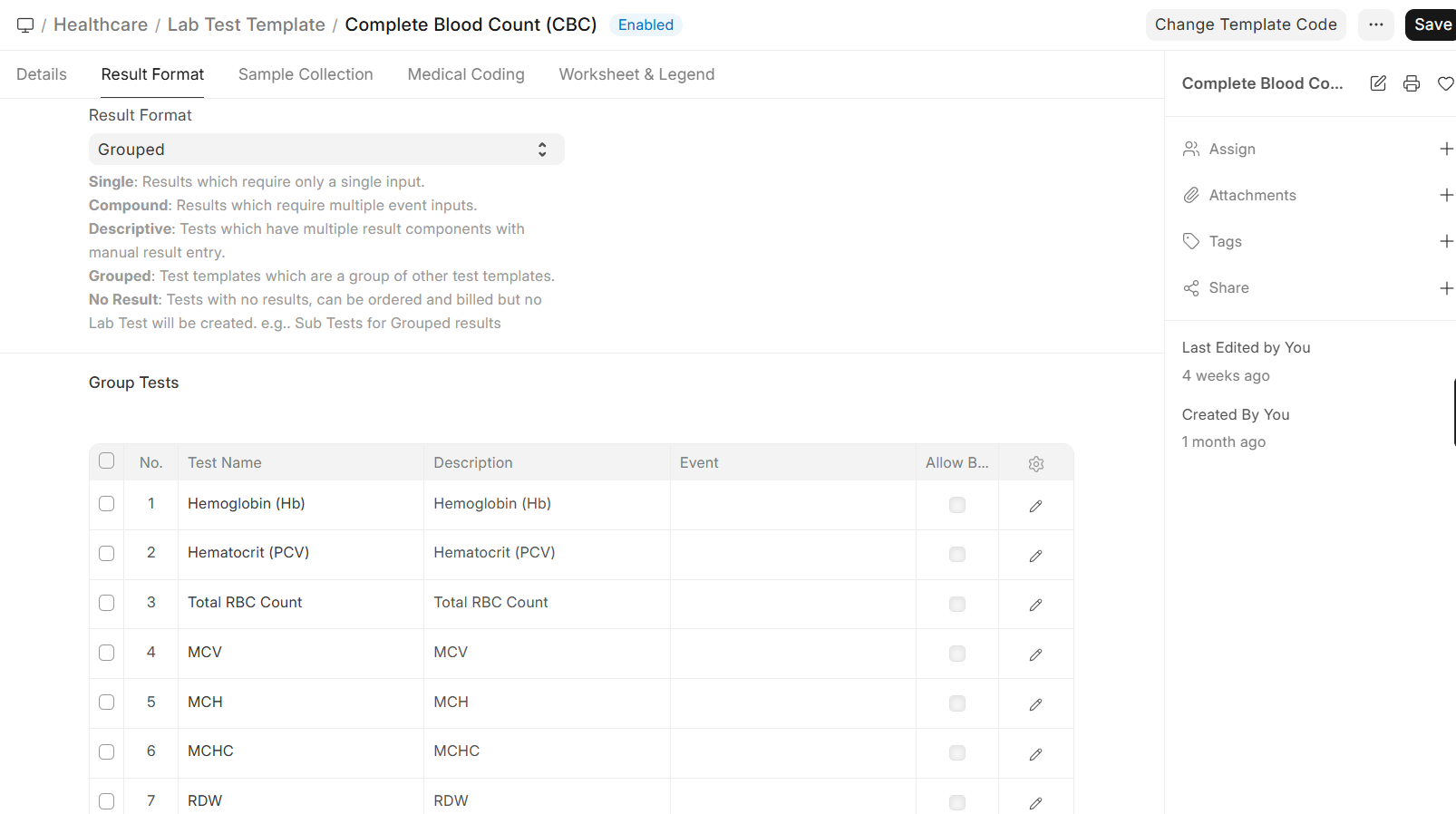
| Result Format | Normal / Descriptive / Organism (see below) |
| Sample Required | Which sample type is needed (Blood, Urine, etc.) |
Result Format Types
| Format | Use Case | Example |
|---|---|---|
| Normal | Numeric results with reference ranges | Hemoglobin: 14.5 g/dL (Normal: 13.0-17.0) |
| Descriptive | Text-based results | Urine Appearance: Clear, Color: Pale Yellow |
| Organism | Microbiology with sensitivity testing | Culture: E. coli — Sensitive to Amoxicillin |
Group Templates
For tests that contain multiple sub-tests (panels), use Lab Test Group Templates:
Example: Complete Blood Count (CBC)
| Sub-Test | Unit | Normal Range |
|---|---|---|
| Hemoglobin | g/dL | 13.0 - 17.0 |
| WBC Count | /μL | 4,000 - 11,000 |
| Platelet Count | /μL | 150,000 - 400,000 |
| RBC Count | million/μL | 4.5 - 5.5 |
| Hematocrit | % | 38 - 50 |