

Appearance
Observations & Results
Observation Management
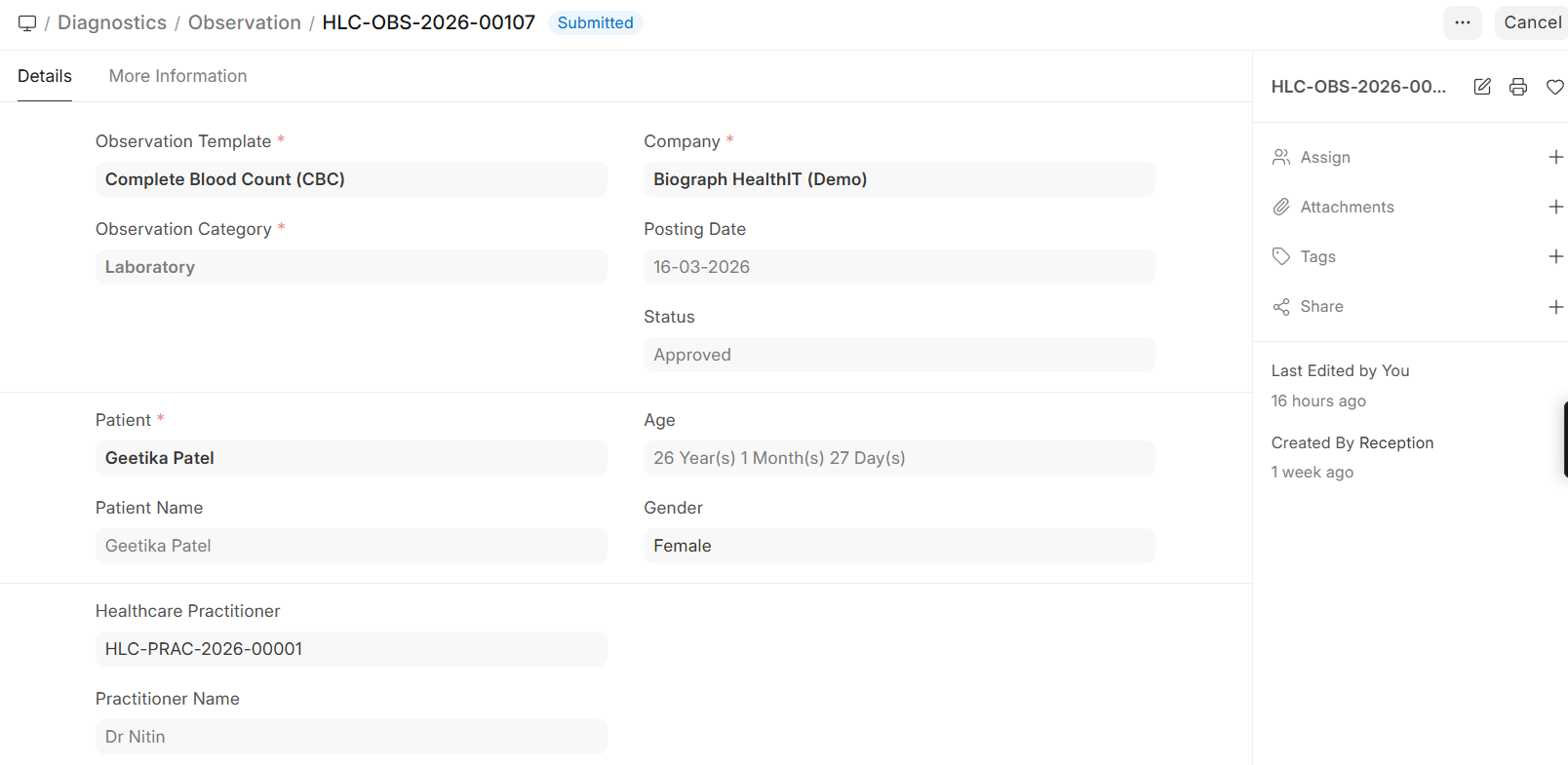
Observations are the individual measurements or findings within a lab test, following FHIR (Fast Healthcare Interoperability Resources) standards.
Navigation:
Home>Diagnostics>Diagnostics>Observation
Home>Healthcare>Diagnostic Module>Observation
How Observations Work
Each lab test can have multiple observations:
| Observation Field | Description |
|---|---|
| Observation Template | Links to the pre-configured template |
| Result Value | The measured value |
| Unit | Unit of measurement (g/dL, mmol/L, /μL, etc.) |
| Reference Range | Normal range for comparison |
| Interpretation | Normal, Abnormal, Critical |
| Notes | Additional comments from the lab |
Observation Templates
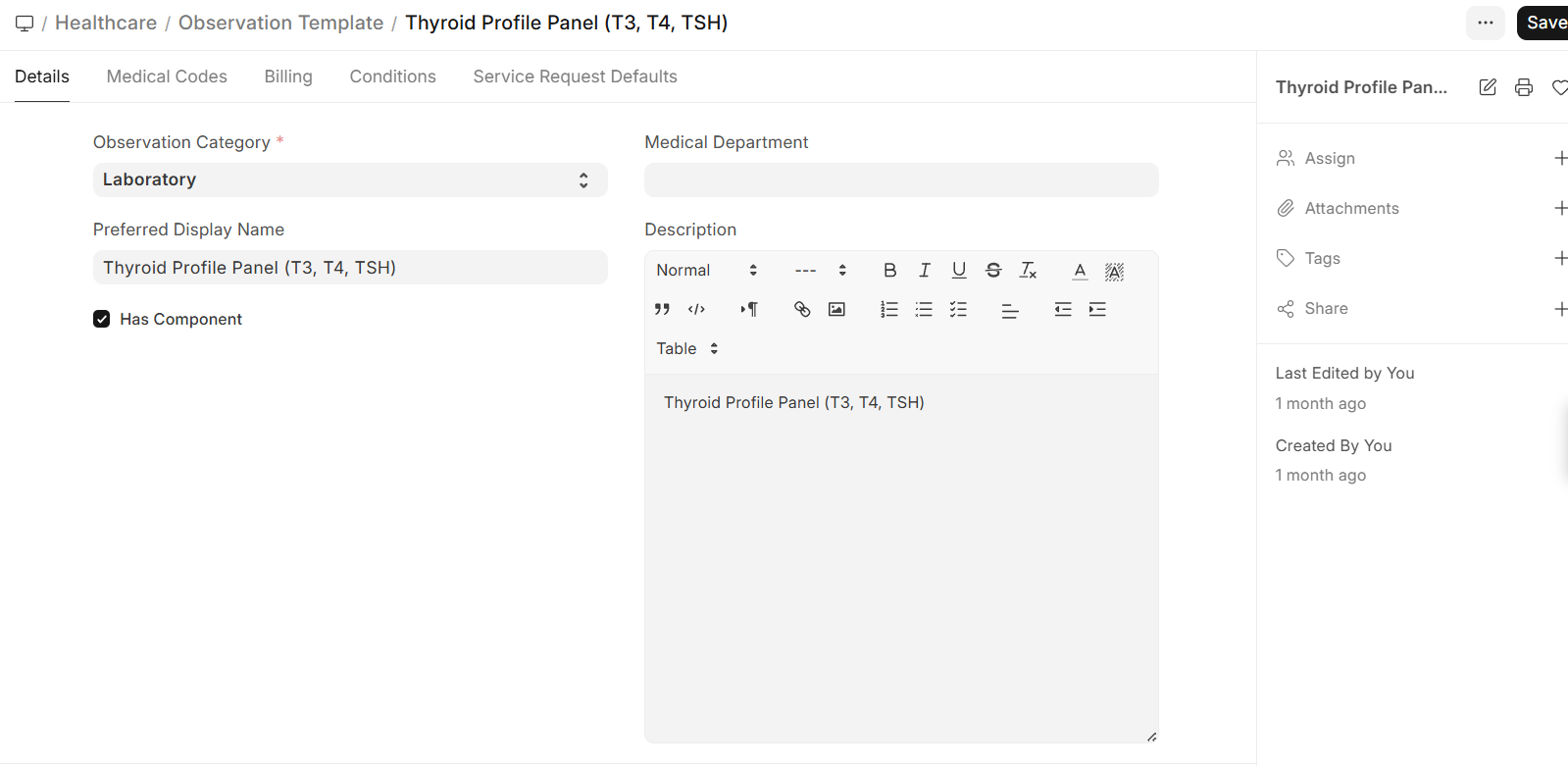
Pre-configure observation templates with:
- Reference ranges — Different ranges by age and gender
- Units of measurement — Standard lab units
- Permitted values — For qualitative results (Positive/Negative, Reactive/Non-Reactive)
- Critical ranges — Values that trigger alerts
Reference Ranges
Reference ranges can be configured by:
| Criteria | Example |
|---|---|
| Gender | Hemoglobin: Male 13-17 g/dL, Female 12-16 g/dL |
| Age | Hemoglobin: Child 11-14 g/dL, Adult 13-17 g/dL |
Result Entry & Formats
Normal Results
For quantitative tests with numeric values:
- Open the lab test record
- Enter the numeric result for each parameter
- The system automatically flags values outside reference ranges
- Submit the results for approval
Descriptive Results
For qualitative tests:
- Enter text-based findings (e.g., Appearance, Color, Consistency)
- Select from pre-defined options where available
- Add free-text notes for detailed descriptions
Organism Results (Microbiology)
For culture and sensitivity tests:
- Record the organism identified (e.g., E. coli, Staphylococcus aureus)
- Enter sensitivity results for each antibiotic tested:
- Sensitive (S) — The organism responds to this antibiotic
- Resistant (R) — The organism does not respond
- Intermediate (I) — Partial response
- Record the colony count if applicable