

Appearance
Procedure Workflow
Clinical procedures follow a structured workflow:
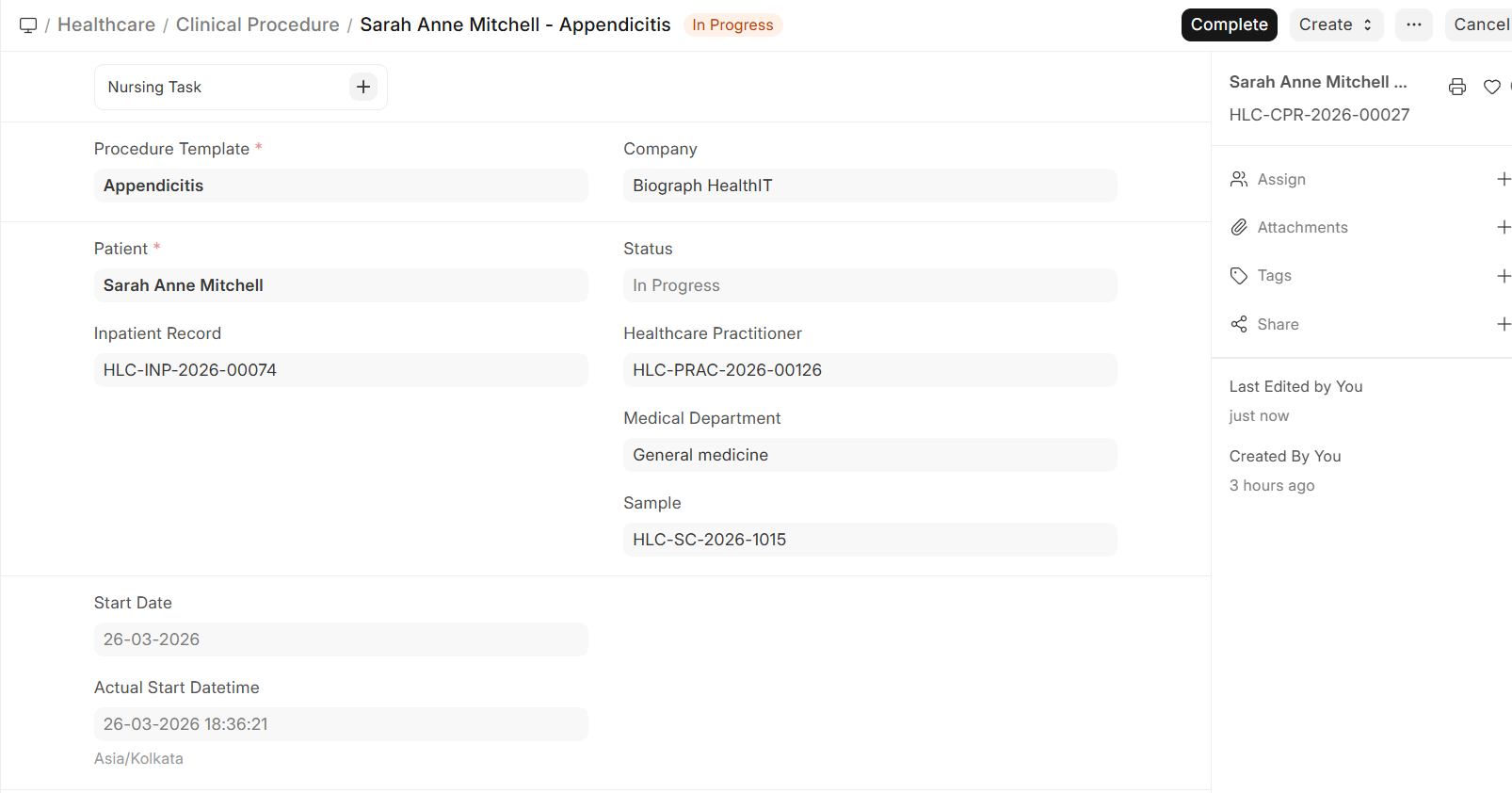
Start Procedure
- Open the Clinical Procedure record
- Verify patient details and procedure information
- Record any pre-procedure checks or observations
- Click Start to mark the procedure as in progress
- Document:
- Actual start time
- Practitioner performing the procedure
- Any deviations from the template
Complete Procedure
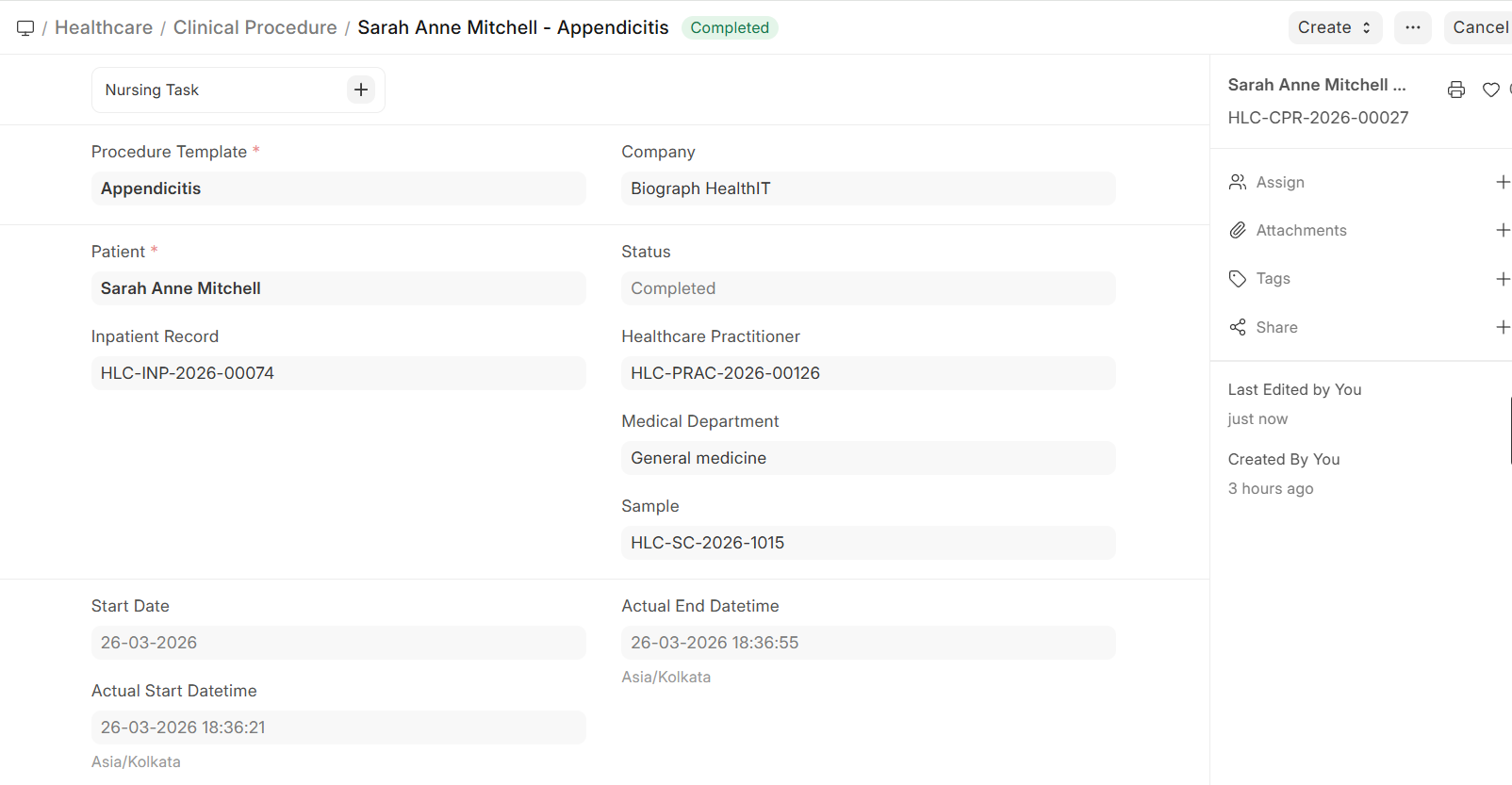
- After the procedure is finished, click Complete
- Document:
- Completion time
- Procedure notes — Findings, observations, complications (if any)
- Post-procedure instructions for the patient
- Consumables used — Verify or adjust the items consumed
- Submit the record to finalize it
Status Flow
┌──────────┐      ┌──────────┐      ┌──────────┐      ┌──────────┐
│  Draft   │ ───► │  Start   │ ───► │ Complete │ ───► │Submitted │
│          │      │          │      │          │      │          │
└──────────┘      └──────────┘      └──────────┘      └──────────┘
      │                                                       │
      ▼                                                       ▼
┌──────────┐                                          ┌──────────┐
│Cancelled │                                          │ Cancelled│
└──────────┘                                          └──────────┘