Appearance
Lab Test Creation
Lab tests can be created through several pathways:
From a Patient Encounter
- Practitioner adds a lab order in the encounter's Lab Prescription section
- On encounter submission, the lab test is automatically created (if configured)
- The lab test appears in the Lab Test list, linked to the encounter
Standalone
- Go to Lab Test list
- Click + Add Lab Test
- Select the patient and test template
- Submit when ready to begin processing
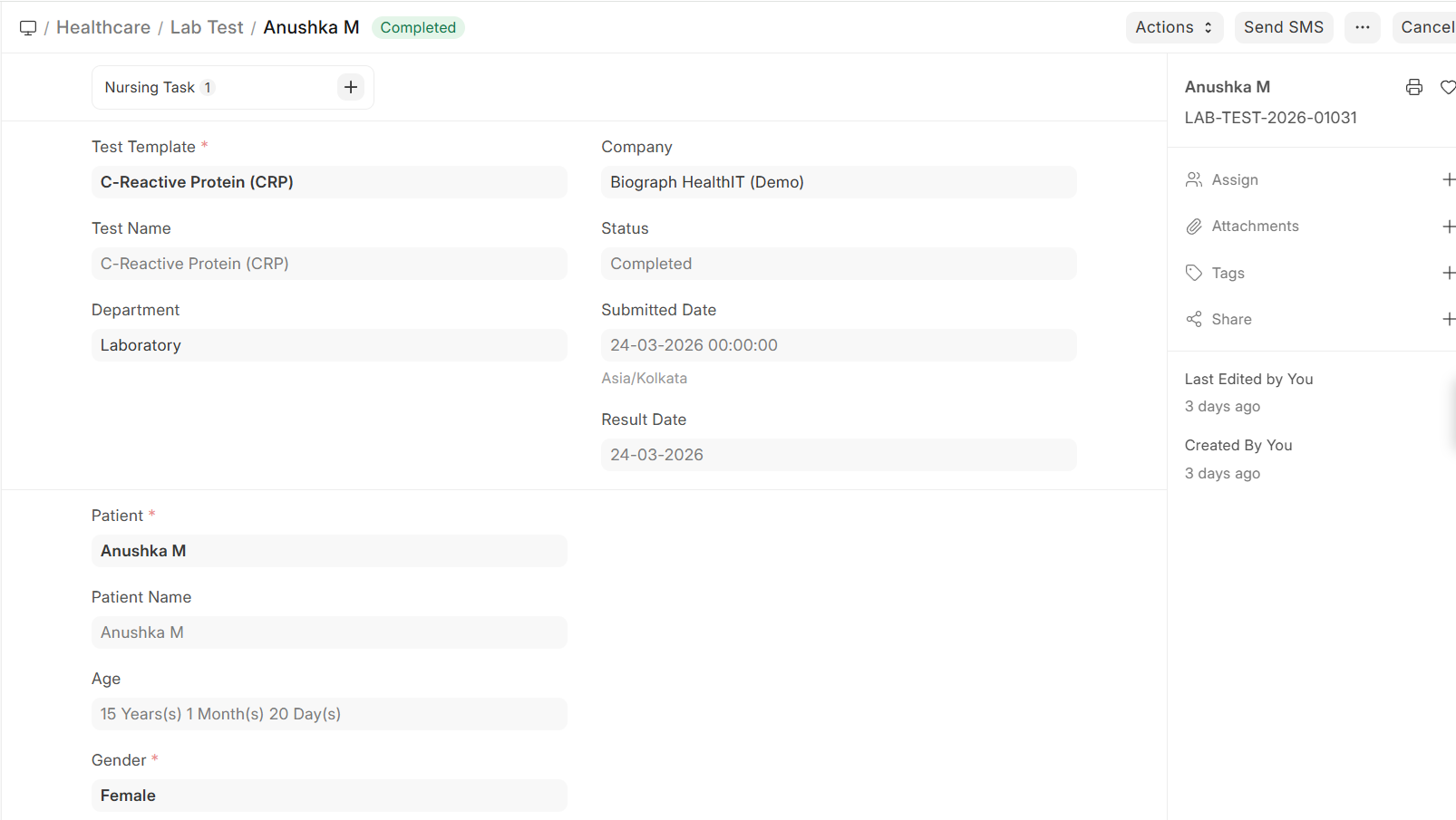
Lab Test Record
| Field | Description |
|---|---|
| Patient | The patient being tested |
| Lab Test Template | The type of test |
| Requesting Practitioner | Who ordered the test |
| Lab Technician | Who processes the test |
| Sample | Link to the sample collection record |
| Status | Draft → Submitted → Completed / Cancelled |