Appearance
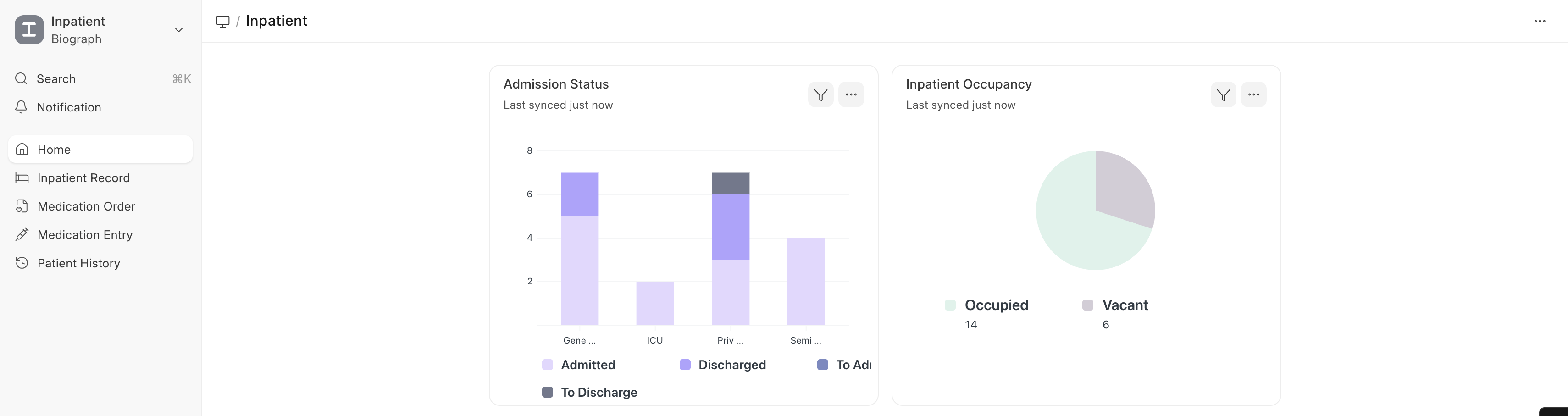
Bed & Occupancy Management
How Bed Management Works
- Each bed is a Healthcare Service Unit with Inpatient Occupancy enabled
- When a patient is admitted, they are assigned to an available bed
- The system tracks Inpatient Occupancy records with check-in and check-out times
- Real-time bed availability is visible across the facility
Bed Assignment
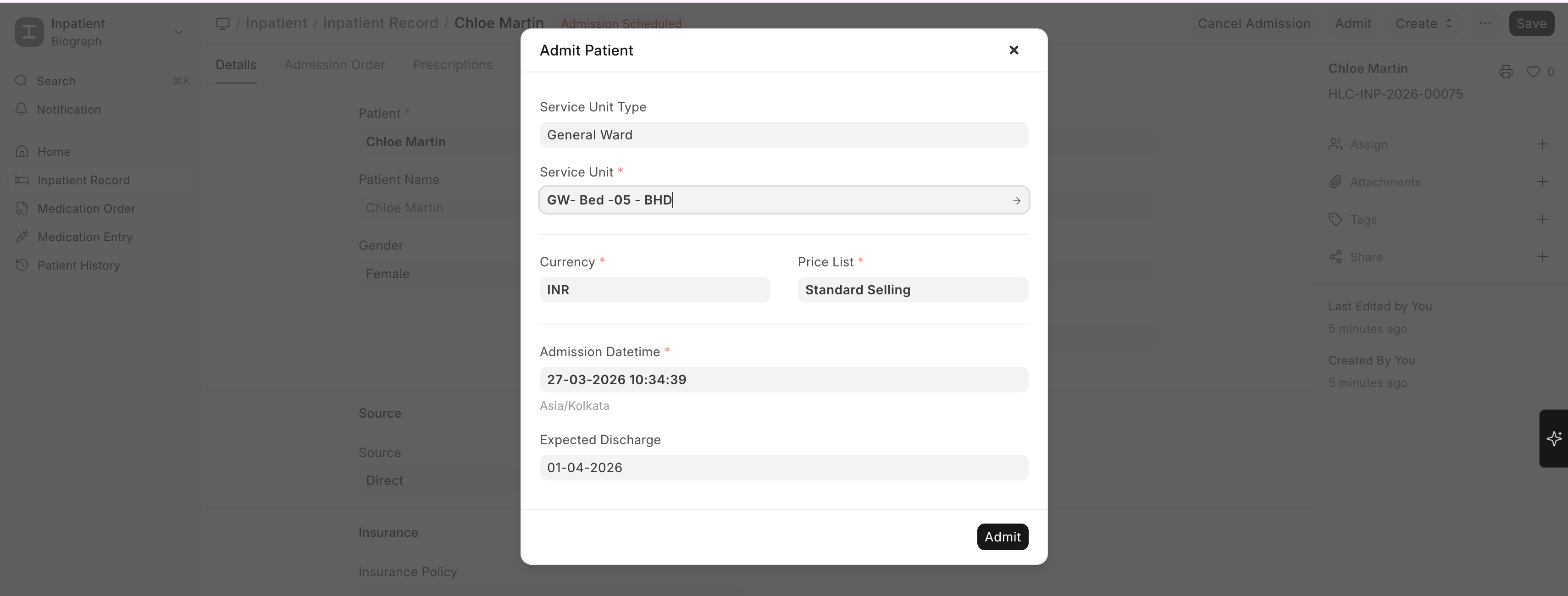
- During admission, select the Service Unit (bed/room) for the patient
- The system creates an Inpatient Occupancy record:
| Field | Description |
|---|---|
| Service Unit | The bed or room assigned |
| Check In | Date and time of bed assignment |
| Check Out | Date and time when the patient vacates (filled on transfer or discharge) |
| Left | Whether the patient has left this bed |
Occupancy Tracking
- Occupied beds are automatically marked as unavailable for new admissions
- Bed board view (via dashboards) shows real-time occupancy status
- Billing integration — Occupied bed time can be automatically converted to billable items via a daily scheduled task