Appearance
Patient Billing
How Billing Works
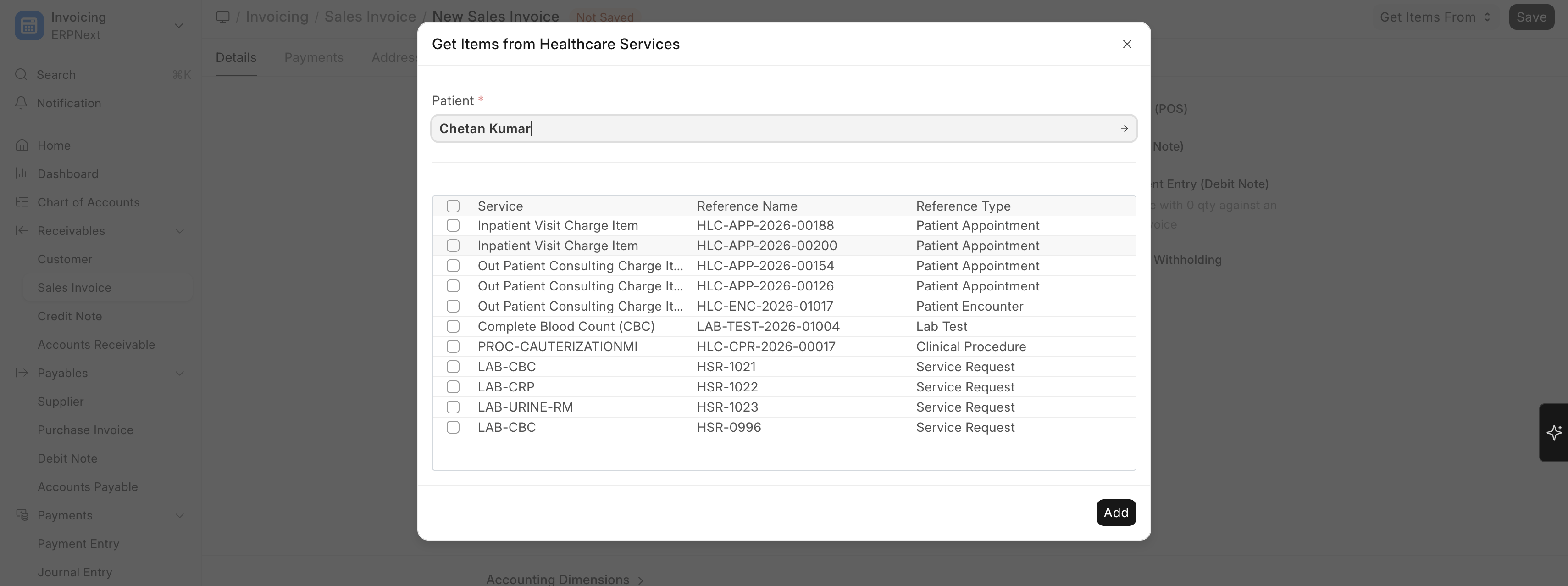
To create a Patient Invoice:
Home → Accounts → Sales Invoice → New
Billing in Biograph is handled through ERPNext Sales Invoices, enhanced with healthcare-specific fields:
| Healthcare Field | Description |
|---|---|
| Patient | The patient being billed |
| Patient Name | Auto-populated from patient record |
| Referring Practitioner | For referral tracking |
| Service Unit | Where the service was provided |
| Total Insurance Coverage | Amount covered by insurance |
| Patient Payable Amount | Amount the patient owes after insurance |
Invoice Generation
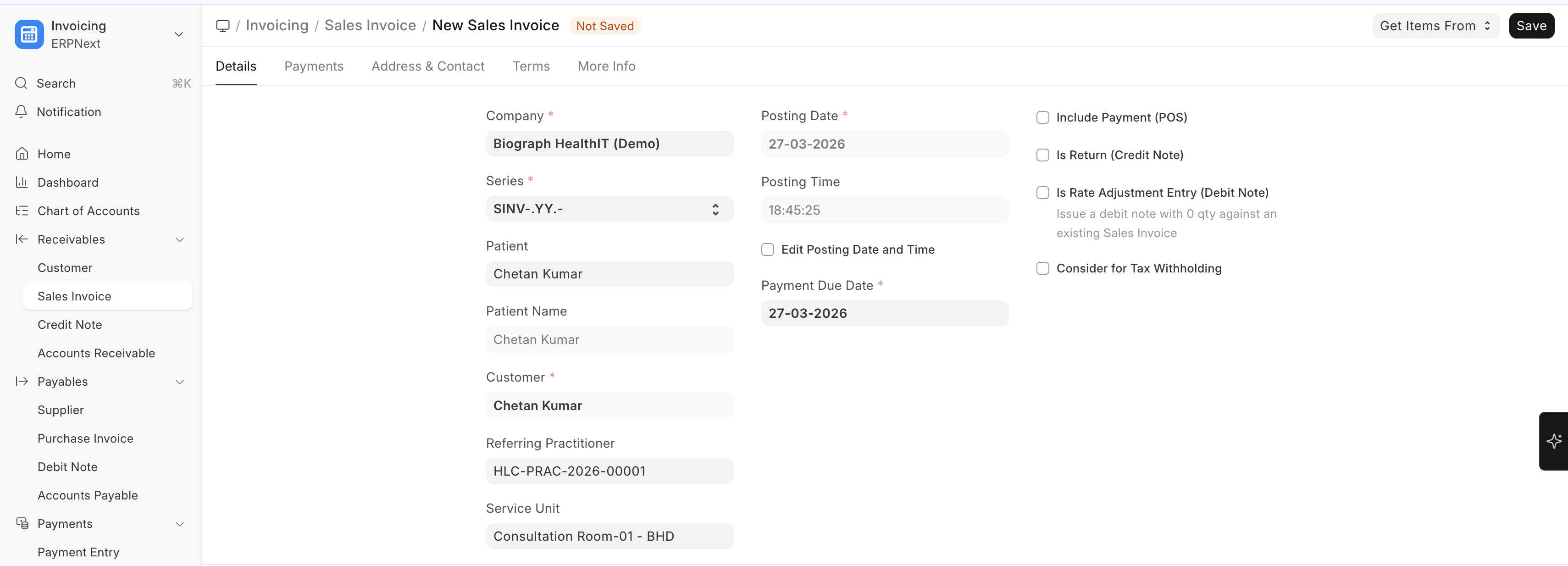
Invoices can be generated:
| Method | When It Happens |
|---|---|
| Automatic | When appointment is booked (if auto-invoicing is enabled) |
| From Encounter | When clinical orders are placed during consultation |
| From Procedure | When a procedure is completed |
| From Lab Test | When lab tests are ordered |
| Manual | Created directly from Sales Invoice list |
Invoice Line Items
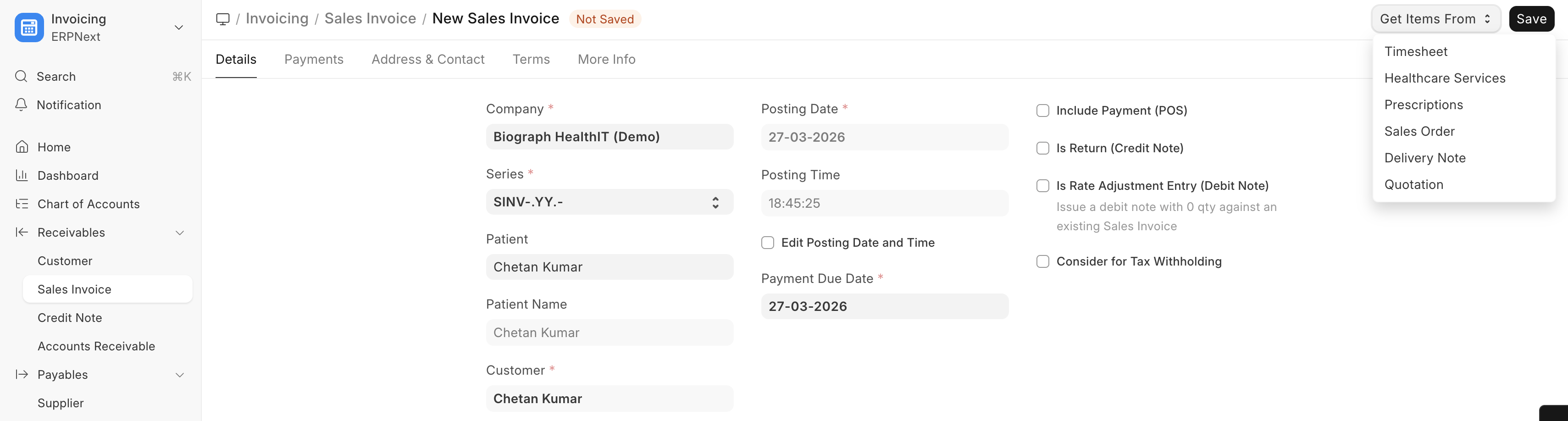
A typical patient invoice may include:
| Line Item | Source |
|---|---|
| Consultation Fee - Dr. Smith | Appointment / Encounter |
| CBC (Complete Blood Count) | Lab Test Order |
| X-Ray Chest PA View | Clinical Procedure |
| Paracetamol 500mg x 20 | Drug Prescription |
| Ward Bed Charges (3 days) | Inpatient Occupancy |